Your team's scheduled tasks keep slipping through the cracks in group chats and scattered apps. AI automation tools promise to fix that, but picking the wrong one creates more chaos than it solves. By the end of this guide, you'll know exactly which features matter for reliable scheduling, how AI handles natural language inputs across six leading tools, and which platform earns the top spot for 2026. We'll break down core scheduling reliability, pricing structures, and integration depth so you can make a confident switch. You'll also get a clear comparison framework for matching tool capabilities to your team's specific workflow needs.
What to Look For in AI Task Automation Tools for Scheduled Tasks
When evaluating AI task automation tools for scheduled tasks, focus on core scheduling reliability, AI parsing accuracy, integration flexibility, and scalability to ensure they meet your operational demands. These four pillars determine whether a tool becomes a dependable digital worker or just another source of missed deadlines and manual rework.
Reliability matters most because scheduled tasks are often mission-critical. A missed backup, a delayed report, or a failed API call can cascade into larger business problems.
The AI layer matters almost as much. Tools that can interpret natural language and voice inputs save significant time, but only if they parse intent accurately. Integration flexibility ensures the tool fits into your existing stack, while scalability guarantees it grows with your team.
Together, these factors directly impact productivity and error reduction. A tool that fails on any of these criteria creates more work than it eliminates. The sections below break down each criterion in detail so you can evaluate options with confidence.
Core Scheduling Capabilities and Reliability
Core scheduling capabilities determine whether a tool can handle time-based triggers, recurring tasks, and complex dependencies without failure, so scrutinize its reliability metrics and error-handling features. Look for support for cron expressions, which give you precise control over when tasks run.
Timezone handling is another essential feature, especially for distributed teams. A task scheduler that mishandles daylight saving time or international time zones will cause confusion and missed deadlines.
Recurring task setup should be flexible enough to handle daily, weekly, monthly, or custom intervals. Priority scheduling lets you ensure critical jobs run first, while dependency management allows tasks to trigger only after prerequisite jobs complete successfully.
Error handling and retry logic are non-negotiable. A tool that supports cron expressions but lacks retry logic may fail on transient errors like a brief network outage or a rate-limited API response.
Logging, monitoring, and alerting keep you informed when tasks run, fail, or take longer than expected. Without these features, you will not know a job failed until a stakeholder complains.
Check uptime SLAs and read user reviews for real-world reliability feedback. Look for tools that offer automatic retries with exponential backoff and clear failure notifications to minimize manual intervention.
AI Accuracy in Parsing Natural Language and Voice Inputs
AI accuracy in parsing natural language and voice inputs is critical for tools that let users create tasks by typing or speaking, as misinterpretation can lead to scheduling errors. Natural language processing and machine learning models enable these tools to interpret user intent from conversational phrases.
The challenge is extracting task details like dates, times, and priorities from ambiguous language. Phrases like "next Tuesday" can mean different things depending on the current day, and "every other week" requires careful interpretation.
Some tools offer voice note support, which adds another layer of complexity. Robust speech recognition must handle accents, background noise, and varied phrasing patterns to produce accurate task definitions.
Common parsing challenges include distinguishing between "at 3 PM" and "by 3 PM," understanding relative dates like "in two weeks," and correctly interpreting time zones in spoken instructions. A tool that misparses these details will schedule tasks at the wrong time or with the wrong priority.
NLP accuracy varies across tools, so testing is essential. Try creating tasks with diverse phrasings and evaluate the error rate for each variation.
Test with both text and voice inputs, and pay attention to how the tool handles corrections. A tool that learns from user feedback and improves its parsing over time will deliver better long-term results than one with static rule-based interpretation.
1. Tasks.Bot - Best Overall
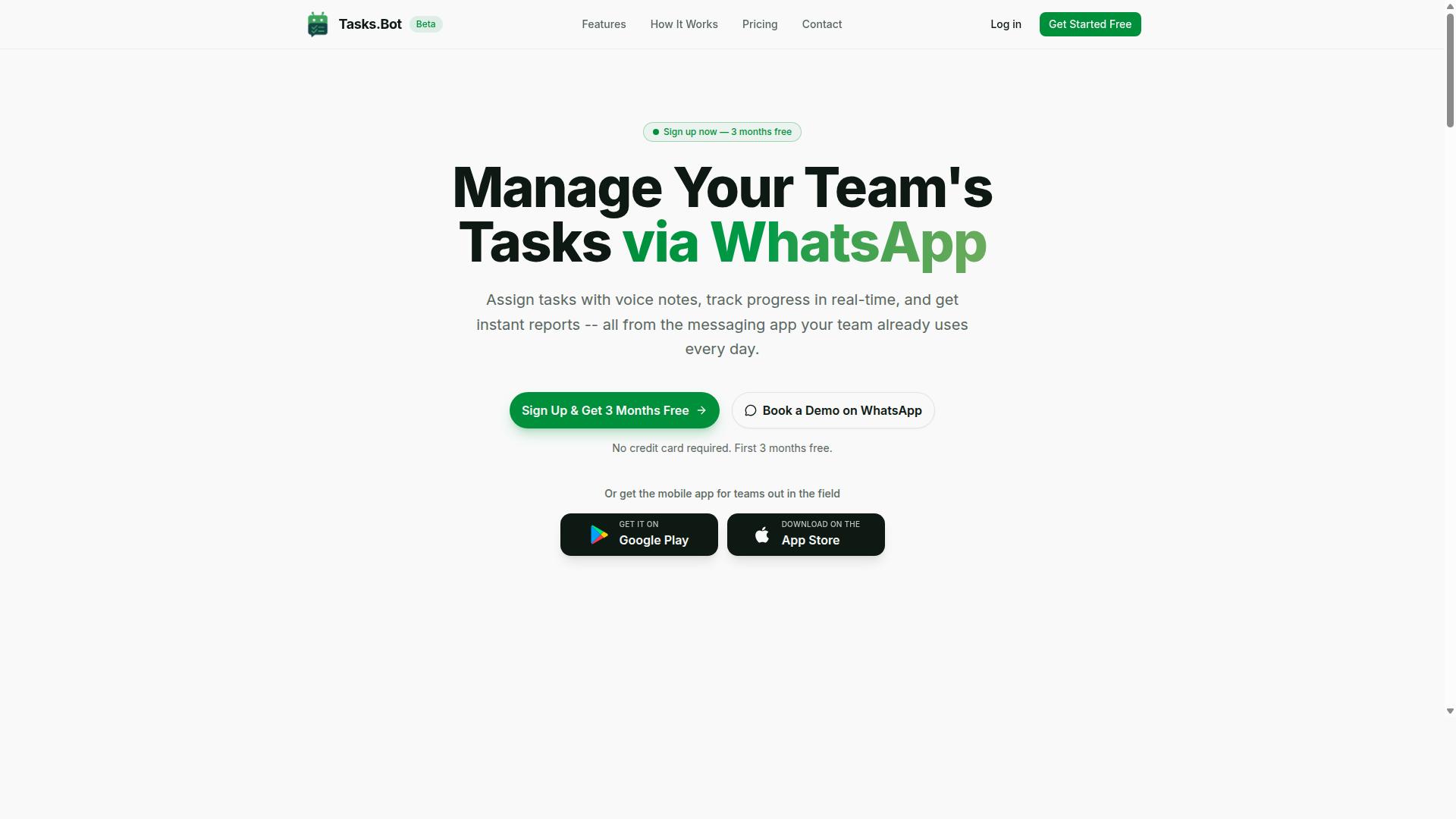
Tasks.Bot stands out as the best overall AI task automation tool due to its seamless WhatsApp integration and AI-powered task creation, making it ideal for teams already using WhatsApp. The platform transforms a familiar chat interface into a full task management system, eliminating the learning curve that comes with most project management software. For 2026, where scheduled tasks and recurring work dominate daily operations, this approach offers a practical shortcut to adoption.
The core value lies in how the AI handles task creation and scheduling. Team members send a message, and the system interprets deadlines, priorities, and assignments automatically. This removes manual data entry and reduces the friction that often kills productivity tools before they gain traction.
Tasks.Bot positions itself as a complete workflow automation solution, not just a chat-based to-do list. It combines task assignment, smart reminders, approvals, automations, and instant reports within one interface. For businesses looking to streamline operations without overhauling their communication stack, this is a compelling package.
Native WhatsApp Integration and AI-Powered Task Creation
Tasks.Bot's native WhatsApp integration allows teams to create and manage tasks directly in their existing chat interface, while AI interprets natural language and voice notes for seamless task creation. This is a significant advantage over traditional task schedulers that require dedicated dashboards and desktop apps. The AI uses natural language processing to understand user intent, so a simple message like "follow up with the client tomorrow at 10 AM" becomes a scheduled task with the right deadline.
Voice note creation is a standout feature for field staff and remote teams who are often on the move. Instead of typing details, users record a voice note and the AI parses the content into structured tasks. This reduces friction for workers who may not have easy access to keyboards or who prefer speaking over typing.
The entire system operates within WhatsApp, meaning team members don't need to install anything or create new accounts. This is a major differentiator in the AI task automation space, where most tools require onboarding and credential setup. The platform also uses enterprise-grade encryption, and conversations and task data are never shared or used for training. For teams concerned about data privacy, this addresses a common hesitation with AI-powered tools.
Additional capabilities include tasks on a map, a live day tracker, face-verified attendance, and shifts, leave, and hours management. These features make it more than a simple task scheduler, extending into workforce management for field operations.
Pricing, Free Trial, and Global Accessibility
Tasks.Bot offers transparent pricing in Indian Rupees and US Dollars, with a monthly plan at 200 per member and an annual plan at 1,200 per year, making it accessible globally. The annual option saves 50%, which works out to a saving of 1,200 per year per member. This pricing structure is straightforward and predictable for budgeting purposes.
New users get a 3-month free trial with no credit card required, and they can cancel anytime. This is a generous evaluation period that allows teams to test the tool across real projects and scheduled workflows before committing. The site also offers a 'Book a Demo on WhatsApp' option for those who prefer a guided walkthrough before signing up.
The service is available worldwide online, and the platform is currently in beta. Currency selection is available between Indian Rupee and US Dollar, so international teams should verify the displayed pricing in their preferred currency. Given the beta status, early adopters may see rapid feature development, which is worth considering for teams that value innovation over stability.
For scheduled tasks and recurring operations, the combination of low cost, no-install access, and AI-driven automation makes Tasks.Bot a strong candidate for teams of all sizes. The free trial removes the risk of testing, and the WhatsApp-native approach means adoption is as simple as sending a message.
2. Reminderly.ai
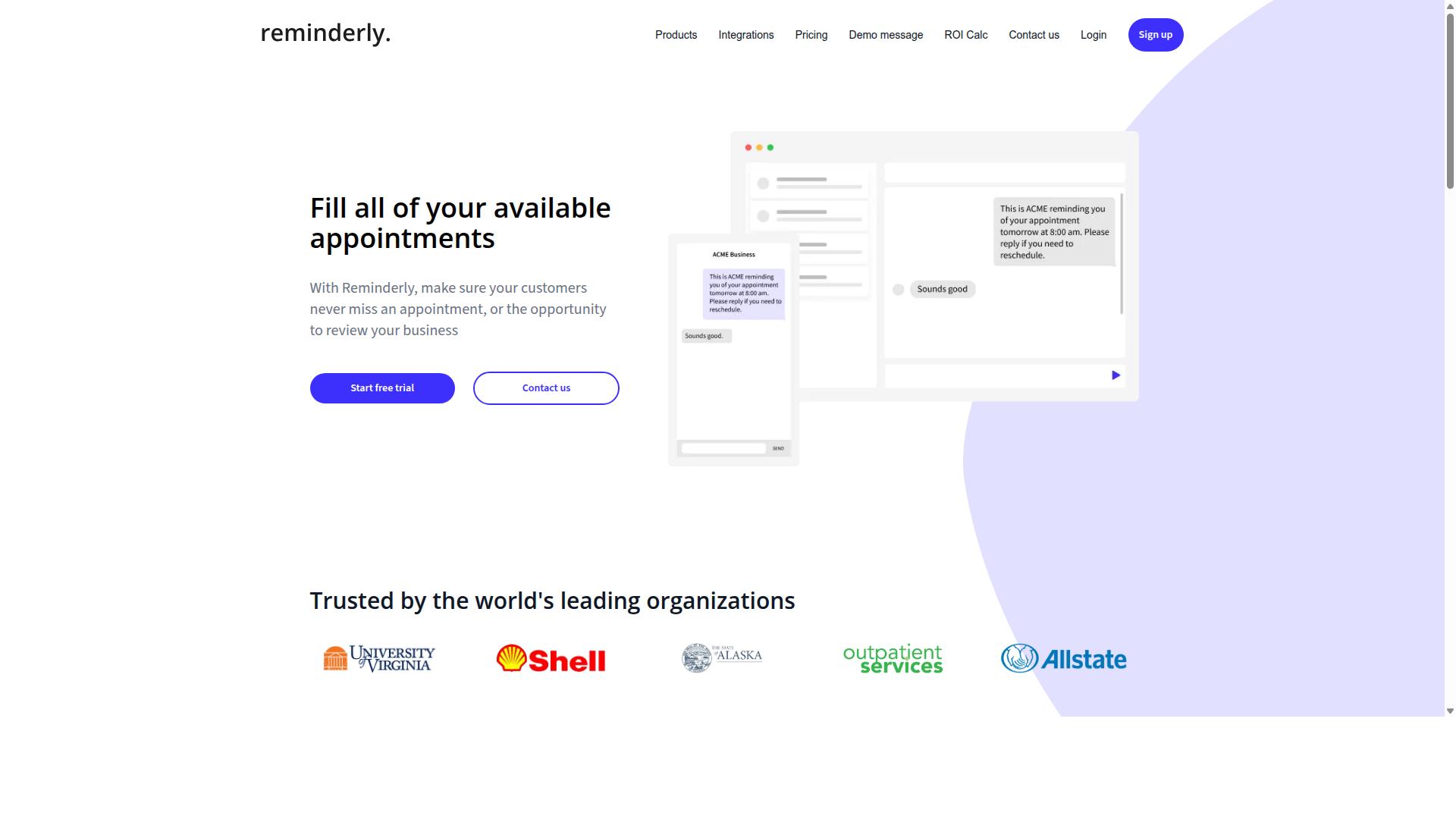
Reminderly.ai focuses on simple, user-friendly reminder and scheduling solutions, but its capabilities may be more limited for complex automation workflows. The platform appears to target individuals and small teams looking for a straightforward way to manage recurring tasks and time-based triggers.
For basic needs like daily check-ins, appointment reminders, and simple recurring tasks, Reminderly.ai could serve as a practical option. Its likely strength lies in ease of use, allowing users to set up notifications quickly without a steep learning curve. Natural language processing may help users describe tasks conversationally, though the depth of that AI assistance remains unclear from public information.
However, teams with advanced automation requirements may find the tool lacking. Features such as dependency management, cross-platform API integration, and webhook support are often absent from simpler reminder applications. If your workflows depend on event-driven automation or job orchestration across multiple systems, this tool may not provide the necessary infrastructure.
Consider whether your scheduled tasks operate in isolation or require coordination with other software. A reminder that pings a team member is different from an autonomous workflow that triggers API calls, updates databases, and logs results. For the latter, a more robust task scheduler with retry logic and error handling would better suit production environments.
Reminderly.ai may be an adequate entry-level choice for personal productivity or lightweight team coordination. Evaluate its integration options carefully before committing, especially if you anticipate scaling to more complex, trigger-based automation in the future.
3. TaskRio
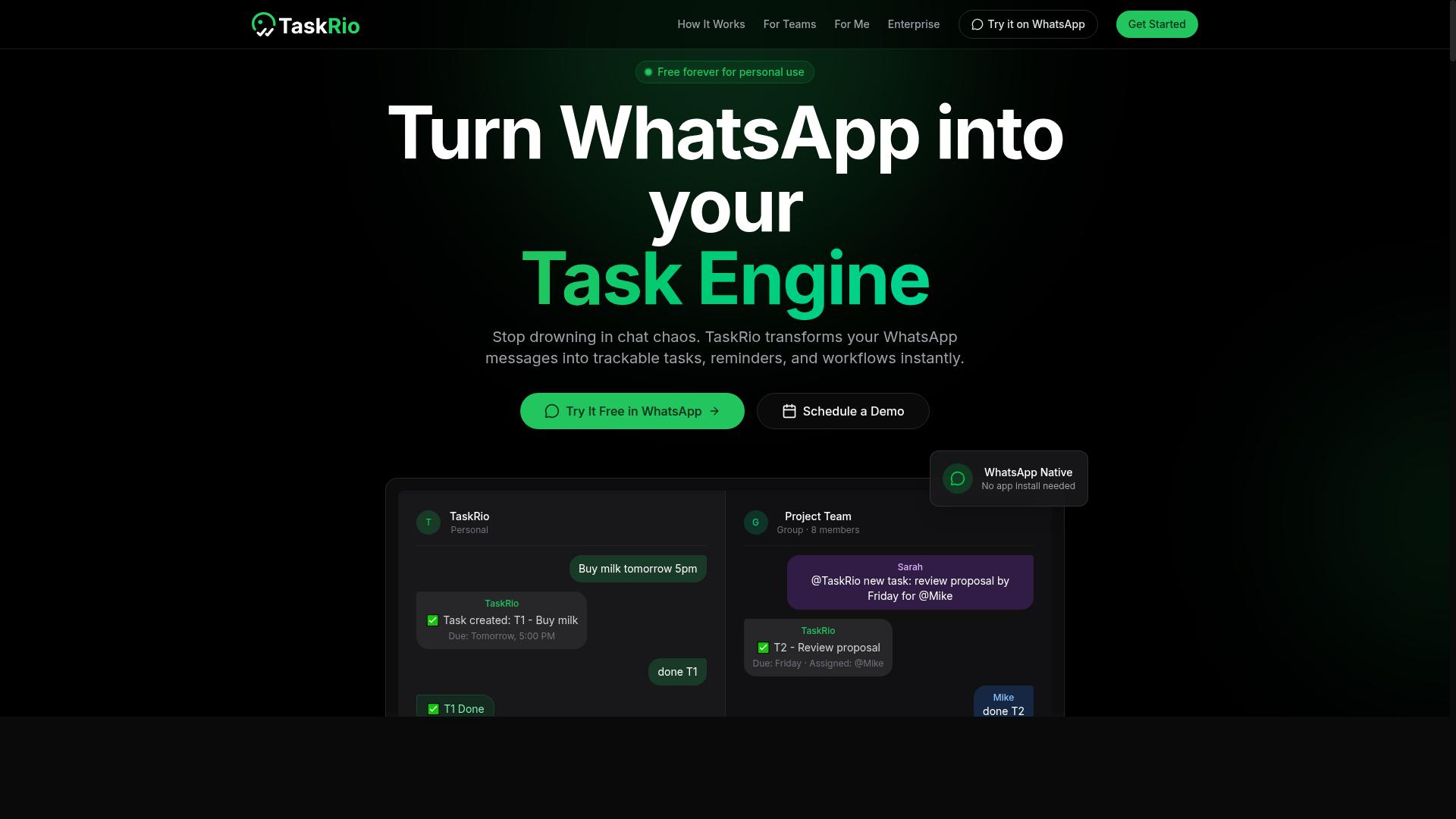
TaskRio appears to target teams needing robust task queuing and priority scheduling, but its AI and integration capabilities may vary. The platform seems designed for organizations that handle high volumes of recurring tasks and need a dependable system to manage workflow automation.
For teams that rely on scheduled tasks, task queuing and priority scheduling are essential features to evaluate. TaskRio may offer strengths in these areas, though specific capabilities are not clearly documented in public materials. Prospective users should verify how the platform handles dependency management and error handling before committing.
When comparing options, consider these key factors:
- How the tool manages task queuing for batch processing and background jobs
- Whether retry logic and alerting are built into the error handling system
- How priority scheduling works alongside time-based triggers and recurring tasks
- What logging and monitoring features support job orchestration
TaskRio may suit technical teams comfortable with configuration-heavy tools. However, it may not offer the same ease of use as WhatsApp-based solutions that simplify AI task automation for non-technical users. Teams should weigh the learning curve against their need for advanced pipeline automation.
Experts recommend testing any task scheduler with your actual workflows before adoption. Check whether API integration and webhooks support your existing systems, and confirm that the platform handles event-driven automation alongside cron jobs. Comparing these details across tools will help you identify the right fit for your autonomous workflows.
4. Karo.bot
Karo.bot likely leverages AI to automate tasks, possibly with a focus on natural language processing, but its specific features and integrations are less documented. This places it in the growing category of tools that aim to make scheduled tasks and workflow automation more accessible through conversational interfaces.
If Karo.bot follows the pattern of similar AI task automation platforms, it may offer chatbot-like interactions for task creation and management. Users could potentially describe a recurring process in plain language and have the system translate that into trigger-based automation or time-based triggers. However, without verified documentation, these capabilities remain speculative.
Before committing to Karo.bot for your scheduled tasks, investigate its NLP capabilities carefully. Ask whether it can parse complex instructions involving dependency management, error handling, and retry logic. Determine if it supports priority scheduling and task queuing for batch processing workloads.
Integration options are another critical area to examine. Check whether Karo.bot connects with your existing cloud automation stack through API integration or webhooks. Verify if it supports the specific tools your team relies on for job orchestration and pipeline automation.
Hands-on evaluation is essential here. Since public information is limited, create a test environment with realistic recurring tasks. Run it through scenarios involving monitoring, alerting, and logging. Pay attention to how it handles failures and whether its error handling matches your operational requirements.
Tools with strong natural language interfaces can reduce the learning curve for AI agents and digital workers. But real-world performance varies significantly. Test Karo.bot against your actual workflows before making any decisions about adopting it for production use.
5. The Sarah AI
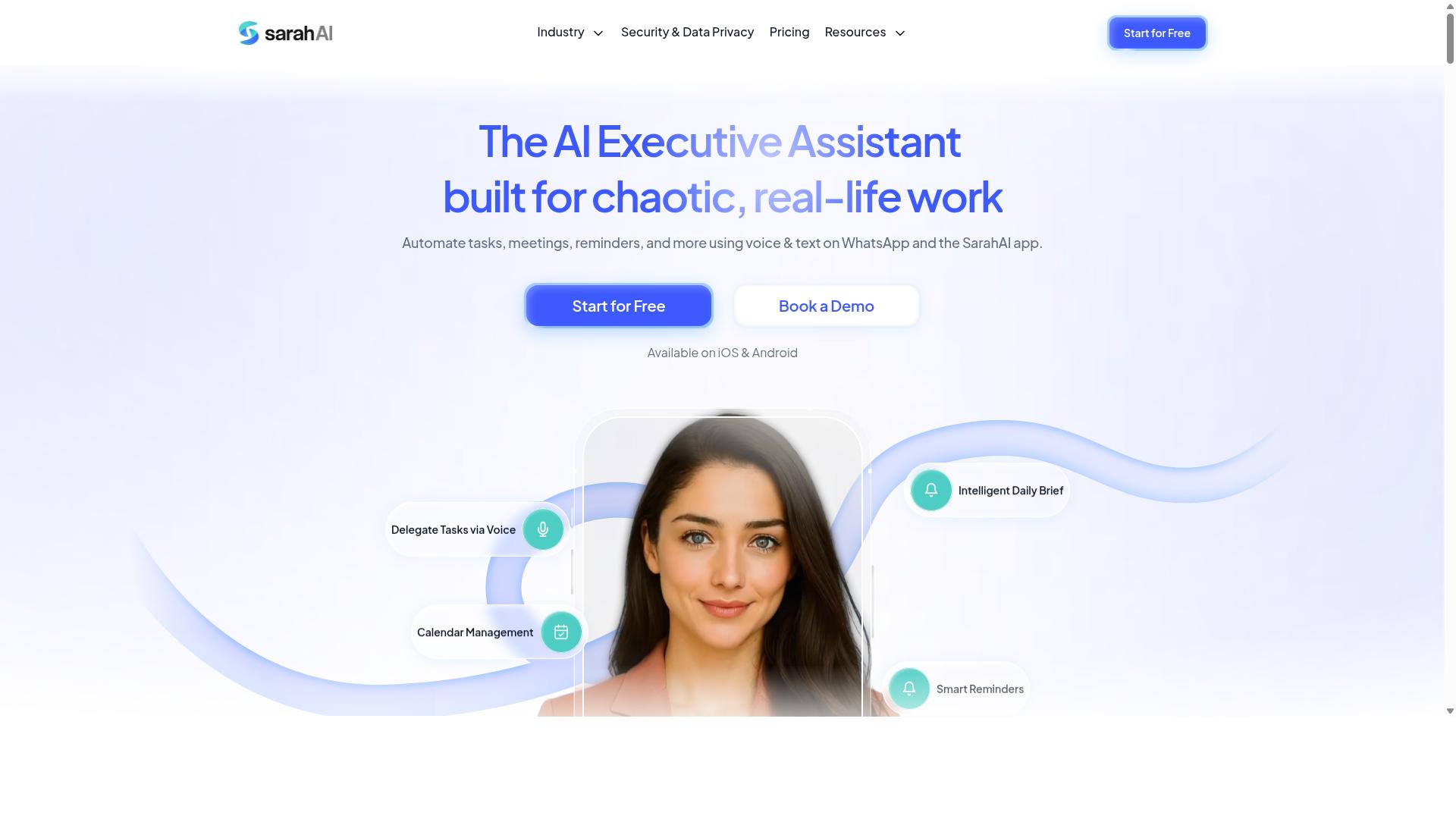
The Sarah AI is another AI-driven assistant that may help with scheduling and task management, but its suitability depends on your specific workflow needs. It appears to position itself as a general-purpose AI assistant rather than a dedicated task scheduler or automation platform.
Some sources suggest that The Sarah AI might offer predictive scheduling or intelligent automation capabilities. However, without verified details about its exact feature set, it is best to approach these claims with some caution and verify them directly.
When evaluating The Sarah AI, consider how it handles recurring tasks and time-based triggers. You will also want to understand whether it supports API integration with your existing calendar, email, and project management tools.
There is also the question of learning curve. Some AI assistants require significant setup time before they become useful, and The Sarah AI may be no different. If the tool needs extensive training on your preferences, that time investment should factor into your decision.
Before committing to The Sarah AI, run a small pilot with real tasks. Test how it handles priority scheduling, dependency management, and error handling when something goes wrong. This hands-on evaluation will reveal whether the assistant's automation style matches your expectations.
Finally, compare its capabilities against dedicated workflow automation tools that offer more transparent task queuing and job orchestration. A general assistant can be convenient, but purpose-built schedulers often provide stronger monitoring and alerting for critical background jobs.
6. Zoye AI
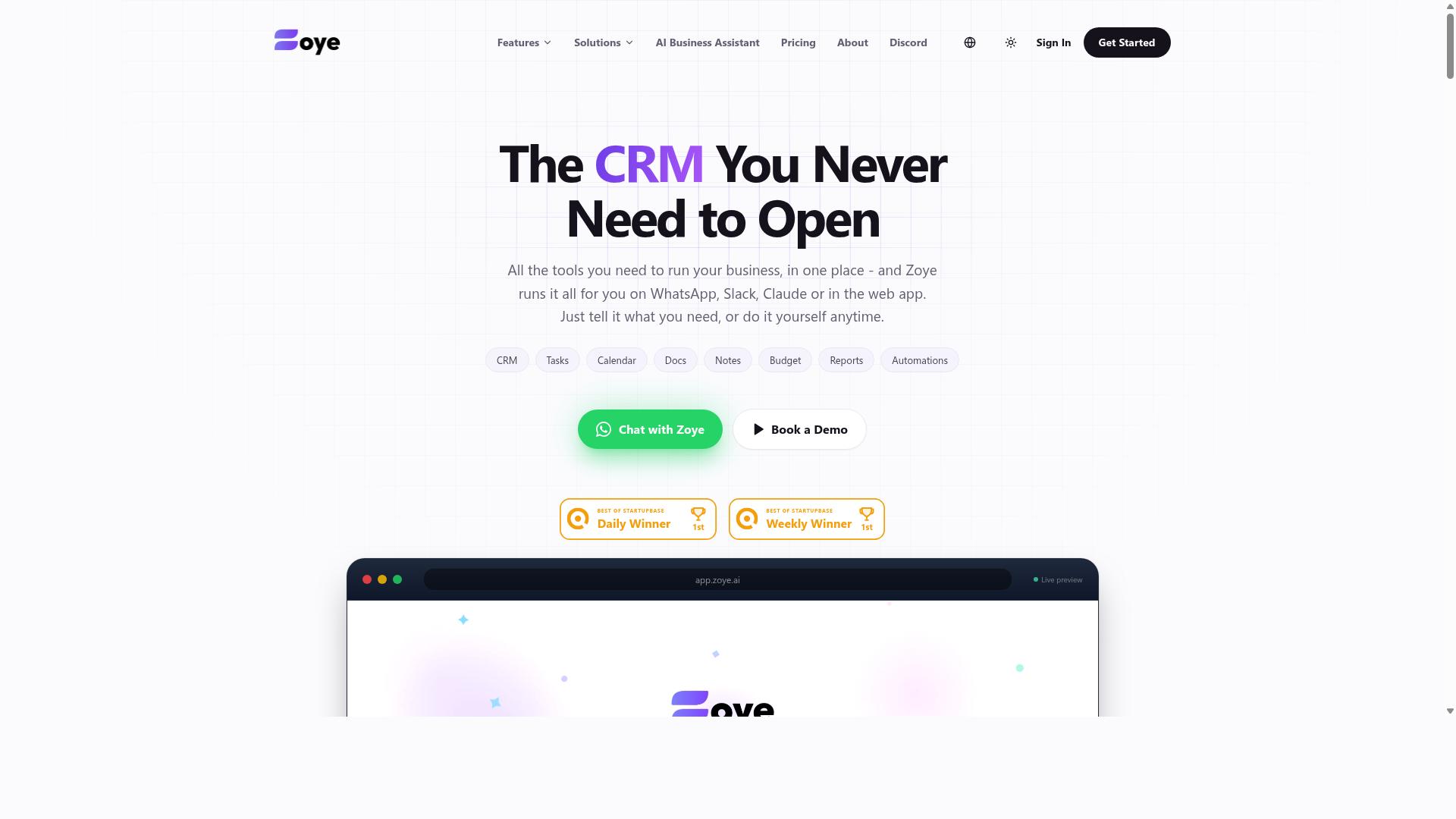
Zoye AI appears to offer AI-powered workflow automation, but its feature set and reliability should be verified through trials and user feedback. The platform positions itself in the crowded field of intelligent automation tools, aiming to help teams connect applications and streamline recurring processes.
For scheduled tasks specifically, you should check whether Zoye AI supports webhook triggers and cloud automation capabilities. Reliable time-based triggers and event-driven automation matter more than flashy AI features when you rely on the tool for daily batch processing or background jobs.
Before committing, assess the platform's maturity and support responsiveness. Newer entrants in the AI task automation space often iterate quickly, but they may lack the error handling, retry logic, and monitoring features that established tools offer out of the box.
Run a trial with a few real recurring tasks to test its job orchestration and dependency management. This hands-on check will reveal whether Zoye AI handles priority scheduling and alerting well enough for your production environment, or whether you need a more battle-tested solution.
How to Choose the Right Option
Choosing the right AI task automation tool requires aligning its features with your team's specific workflow needs, communication habits, and technical infrastructure. The best tool for one organization can feel completely wrong for another, so the decision deserves careful thought before you commit.
Start by evaluating your team size and structure. A small team with a flat hierarchy needs simpler tools, while larger organizations often require advanced permission controls and reporting. Consider where your people actually work, whether that is in an office, at home, or out in the field.
Your communication channels matter more than most buyers realize. Teams that live in email need different automation than teams that communicate through WhatsApp or other messaging apps. Match the tool to the platform your team already uses daily, not the other way around.
Task complexity is another key factor. Simple recurring reminders need basic scheduling, while several-step operations demand dependency management, retry logic, and error handling. Be honest about whether you need basic time-based triggers or full job orchestration with monitoring and alerting.
Integration requirements often make or break a deployment. Check whether the tool connects with your existing CRM, payroll system, or project management software. A tool that requires you to rebuild your stack will create more problems than it solves.
Finally, think about your target audience and their daily realities. Teams that rely on WhatsApp and have field staff moving between locations have unique needs that office-based teams simply do not face. For these teams, tools like Tasks.Bot are built around the communication channel they already depend on, which reduces training time and adoption friction.
Create a checklist of must-have features before you compare options. Write down your top five pain points and the specific capabilities that would solve each one. Then evaluate every candidate against that list rather than getting distracted by flashy extras you will never use.
A free trial or demo is non-negotiable for evaluation. No amount of feature comparison can tell you how a tool feels in daily use, so put each candidate through a real workflow with your actual team members before making a final choice.
Matching Tool Features to Team Workflow Needs
To match a tool to your team's workflow, map your current processes to each tool's capabilities, such as voice note creation, integration with existing apps, and reporting features. This mapping exercise forces you to think in terms of outcomes rather than features.
Begin by listing your team's daily task management processes. Write down every recurring task, who handles it, and how long it takes. This simple inventory often reveals inefficiencies you have been living with for months without noticing.
Next, identify your biggest pain points. Is it missed tasks because field staff never check email? Is it manual attendance tracking that eats up hours each week? Is it the chaos of managing tasks across WhatsApp threads with no structure? Name the problem clearly before you search for a solution.
Now map those pain points to tool features. If your team uses WhatsApp heavily, a native WhatsApp integration is a must-have rather than a nice-to-have. For teams with field staff, natural language processing (NLP) for voice inputs becomes critical, since typing detailed task descriptions while on the move is impractical and unsafe.
Consider how your team creates tasks today. If your field staff send voice notes through WhatsApp, look for a tool that can capture those notes and convert them into structured tasks. The right NLP capabilities can turn a quick voice message into a scheduled task with the correct assignee and deadline.
Reporting features matter for managers who need visibility into team performance. Attendance tracking and payroll-ready hours are especially valuable for teams with hourly field workers. Tools that produce payroll-ready data eliminate an entire manual workflow that often takes hours of administrative time.
Robust API integrations allow for custom workflows beyond what the tool offers out of the box. If your team uses specialized software for scheduling, inventory, or customer management, check whether the tool can connect through APIs or webhooks to keep your systems in sync.
Involve your team members in the selection process. The people who will use the tool daily have the clearest view of what works and what does not. Ask field staff about their communication preferences and ask managers about their reporting needs before you shortlist any options.
For teams that rely on WhatsApp and have field staff, tools like Tasks.Bot are designed around these exact realities. The platform serves hundreds of teams already, which suggests the approach resonates with organizations facing similar challenges around task management, attendance tracking, and payroll preparation for mobile workforces.
Run a pilot with your top two candidates. Give each one a real project with real deadlines and real team members. Compare how quickly tasks get created, how reliably they are completed, and how much manual follow-up is still required. The tool that survives this test is the one worth adopting.
Final Verdict
In the final verdict, Tasks.Bot emerges as the best overall choice for teams that rely on WhatsApp, thanks to its seamless integration, AI-powered task creation, and transparent pricing. For scheduled task automation in 2026, the tool stands apart because it operates entirely within WhatsApp. Team members do not need to install anything or create new accounts, which removes the biggest barrier to adoption in most organizations.
The AI capabilities are what make Tasks.Bot genuinely different from traditional task schedulers. Instead of configuring complex cron jobs or trigger-based automation rules, users simply describe what they need in natural language. The system understands both typed messages and voice notes, making task creation as easy as sending a text to a colleague. This natural language processing approach eliminates the learning curve that comes with most workflow automation platforms.
For field teams, Tasks.Bot offers face-verified attendance and live GPS tracking. These features matter for organizations that manage remote workers or mobile staff, where scheduled tasks often depend on knowing where people are and confirming their presence. The combination of task scheduling and workforce verification in one tool reduces the need for multiple subscriptions.
Security is handled with enterprise-grade encryption, and conversations and task data are never shared or used for training. That assurance matters for teams handling sensitive project information. The 3-month free trial with no credit card required makes it easy to evaluate whether the WhatsApp-native approach fits your workflow before committing.
Teams not using WhatsApp might find other tools more suitable, depending on their existing stack. Some organizations prefer dedicated project management platforms or developer-focused job orchestration tools. However, Tasks.Bot's simplicity and global accessibility make it a strong contender even for those teams, since WhatsApp has become a universal communication channel across industries and regions.
To see how Tasks.Bot handles your recurring tasks, time-based triggers, and batch processing needs, book a demo or visit the website. Testing the natural language task creation with your own team's workflows is the fastest way to judge whether the AI understands your specific scheduling patterns.
Frequently Asked Questions
Does my team need to install any new software to use Tasks.Bot?
No. Tasks.Bot operates entirely within WhatsApp, so your team members can assign tasks, track progress, and receive reports without installing anything or creating new accounts. This makes it especially easy for field teams who already rely on WhatsApp for daily communication.
How does Tasks.Bot handle task creation for non-technical or busy team members?
Tasks.Bot uses AI to understand natural language, which means team members can create tasks simply by typing a message or even sending a voice note on WhatsApp. The system then handles automatic task assignment and smart deadline reminders, removing the manual data entry burden.
Is Tasks.Bot suitable for teams with field staff who need more than just task lists?
Yes, Tasks.Bot is designed for teams with field staff. Beyond task management, it offers features like tasks on a map, face-verified attendance, and live day tracking, which help you monitor field operations and capture payroll-ready hours directly from the messaging app.
What kind of reporting and oversight does Tasks.Bot provide to managers?
Tasks.Bot delivers instant reports within WhatsApp, giving managers real-time visibility into task progress without switching apps. Combined with approvals and automations, this helps streamline workflows and ensures that completed work is verified and accounted for efficiently.
How is Tasks.Bot priced, and is there a way to save money on a longer commitment?
Tasks.Bot offers a 'Full Access' plan with all features included. Pricing is available in Indian Rupees and US Dollars, with a monthly plan at 200 per member and an annual plan at 1,200 per year per member, which saves you 50% compared to paying monthly.
Is Tasks.Bot reliable for global teams, and what support options are available?
Tasks.Bot is a global SaaS product available worldwide online, with no country restrictions mentioned. The service is currently in beta, and you can book a demo directly on WhatsApp or reach out via phone or email for support, with a refund policy noted on their site.
Recommended Resources: