Your team missed three reminders this week, and nobody noticed until the client called. That is usually the moment people start comparing auto assignment tools, often after outgrowing a spreadsheet or a reminder app that only pings one person.
This article walks through the seven mistakes that lead to the wrong pick, then reviews seven platforms, including Tasks.Bot, which runs task assignment and reporting inside WhatsApp. You will finish with clear criteria for matching software to your workflow, weighing pricing and scalability, and a final verdict on the best overall option.
What to Look For in Auto Assignment and Reminder Software
Selecting the right auto assignment and reminder software can transform field service operations by automating job routing and technician allocation, but only if you know which capabilities drive real efficiency gains.
These platforms handle the heavy lifting behind task automation: they dispatch work orders to the right person, schedule jobs around availability and location, and fire off reminders so nothing slips through. For field service management and broader workflow management, that means fewer manual handoffs and more predictable service delivery.
The value proposition is straightforward. Good job routing shortens response times, smarter technician allocation improves resource optimization, and dependable reminders reduce no-shows and missed deadlines. Together they lift operational efficiency across the board.
But not every scheduling tool delivers on that promise. Careful evaluation during software selection matters, because the wrong fit creates new bottlenecks instead of removing old ones. Weigh feature evaluation, scalability, and integration capabilities before committing.
7 Mistakes to Avoid When Choosing Auto Assignment and Reminder Software
Even experienced operations managers fall into common traps when selecting auto assignment and reminder software, from overlooking integration capabilities to underestimating total cost of ownership.
The seven mistakes below cover the procurement and implementation pitfalls that cause the most trouble. Each one comes with practical steps you can take before signing anything.
Ignoring integration capabilities. A dispatching system that cannot talk to your CRM or ERP systems creates data silos and duplicate entry. Ask vendors for a live API demo, not a slide. Confirm which fields sync, how often, and what happens when a record changes in either system.
Underestimating scalability. A tool that fits five technicians may buckle at fifty. Ask how pricing and performance change as your team grows, and whether user limits or job volumes trigger tier jumps. Choose software that grows with your headcount instead of forcing a migration later.
Overlooking mobile accessibility. Field staff live on their phones, so mobile accessibility is not optional. Test the mobile app yourself: can a technician accept a job, update status, and attach photos in a few taps? A clunky mobile experience undermines the whole point of task automation.
Focusing only on subscription pricing. The sticker price rarely tells the full story. Onboarding fees, per-message charges, storage limits, and premium support tiers all add up. Calculate total cost of ownership over three years, including add-ons you expect to need.
Neglecting user interface and user experience. Poor usability drives low adoption, and low adoption kills ROI. Involve actual dispatchers and technicians in a trial, then watch where they hesitate. A clean user interface shortens training and reduces support tickets.
Skipping onboarding and training evaluation. Ask what the onboarding process includes, how long it takes, and whether training is live or self-serve. Request a written training requirements plan. Vendors who cannot describe implementation clearly often struggle after the sale too.
Falling into vendor lock-in. Proprietary data formats and weak API connectivity make leaving painful. Confirm you can export your data in a standard format at any time, and check whether the platform supports the integrations you may add later. Portability is a feature, even if you never use it.
Taken together, these seven checks form a simple evaluation checklist. Run each vendor through it before procurement, and you will avoid the mistakes that cost teams the most time and money.
1. Tasks.Bot - Best Overall
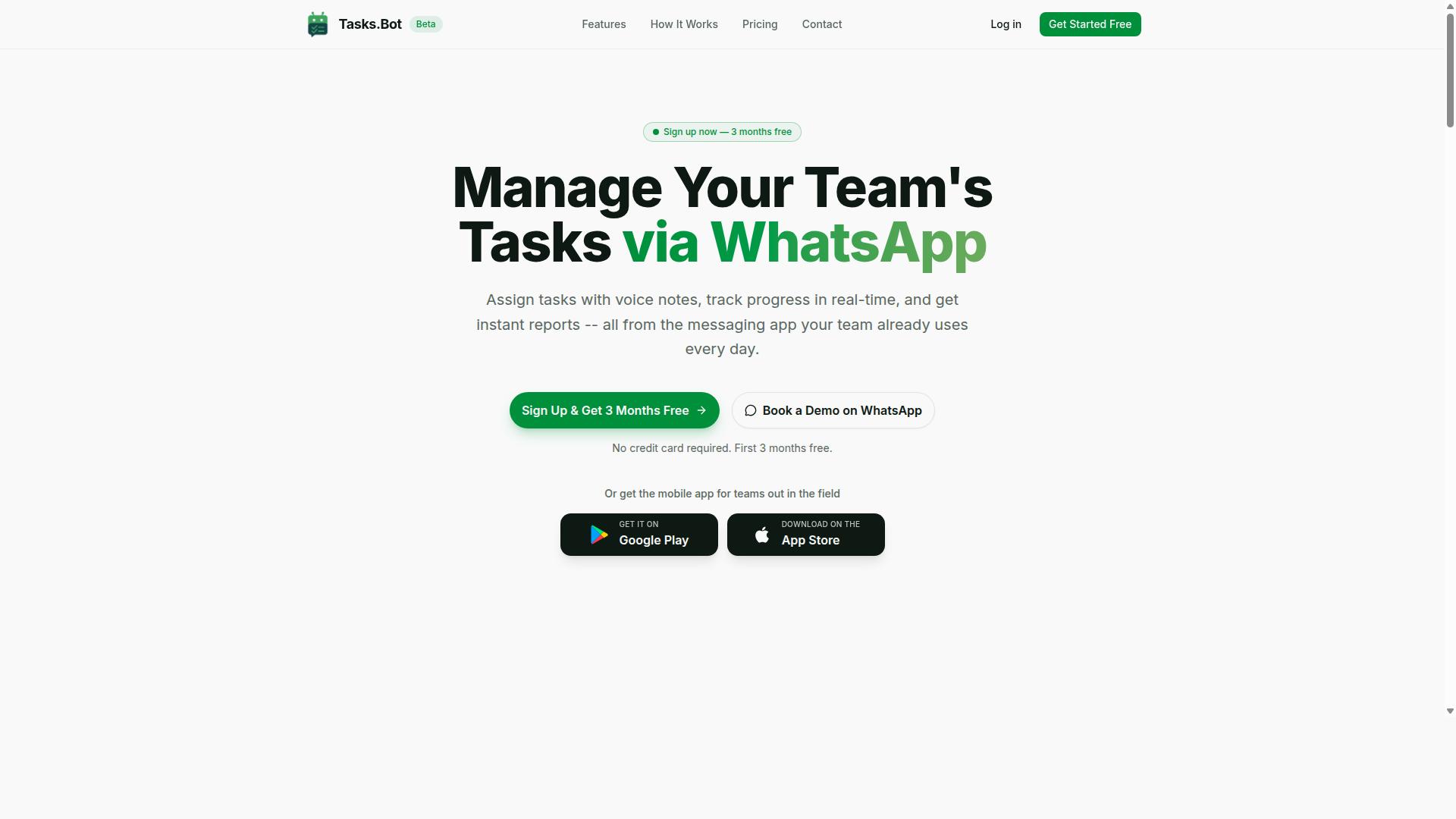
Tasks.Bot stands out as the best overall auto assignment and reminder software because it operates entirely within WhatsApp, eliminating the need for team members to install new apps or create accounts. Teams can assign tasks, track progress, and receive instant reports inside the messaging app they already use every day.
Its native WhatsApp integration covers voice note task creation, automatic task assignment, smart deadline reminders, approvals and automations, instant reports, tasks on a map, a live day tracker, face-verified attendance, and shifts, leave, and hours management. For teams that already run on WhatsApp, especially those with field staff, this removes one of the biggest adoption barriers in software selection: getting everyone to actually use the tool.
Pricing and Free Trial
Tasks.Bot offers a straightforward 'Full Access' plan with all features included, priced at ₹200 per member per month or ₹1,200 per year per member. Pricing is available in Indian Rupees (₹) and US Dollars ($), so the currency should be verified before purchase.
The annual option works out to a 50% saving, or ₹1,200 per year per member compared to paying monthly. For teams comparing total cost of ownership across auto assignment and reminder tools, that flat per-member structure makes budgeting simple: cost scales with headcount, not with feature tiers or usage limits.
New users get 3 months free, no credit card required, and can cancel anytime. This matters during software selection, because it lets a team evaluate whether WhatsApp-based task automation fits its workflow before committing budget. The service is currently in beta, and a refund policy is mentioned in the footer of the site.
Buyers should confirm current terms, including the refund policy, directly with the vendor during procurement. It is also worth checking how the per-member rate compares with per-technician or per-dispatcher pricing models common in field service management tools, since those structures can shift costs significantly as a team grows.
2. Reminderly.ai
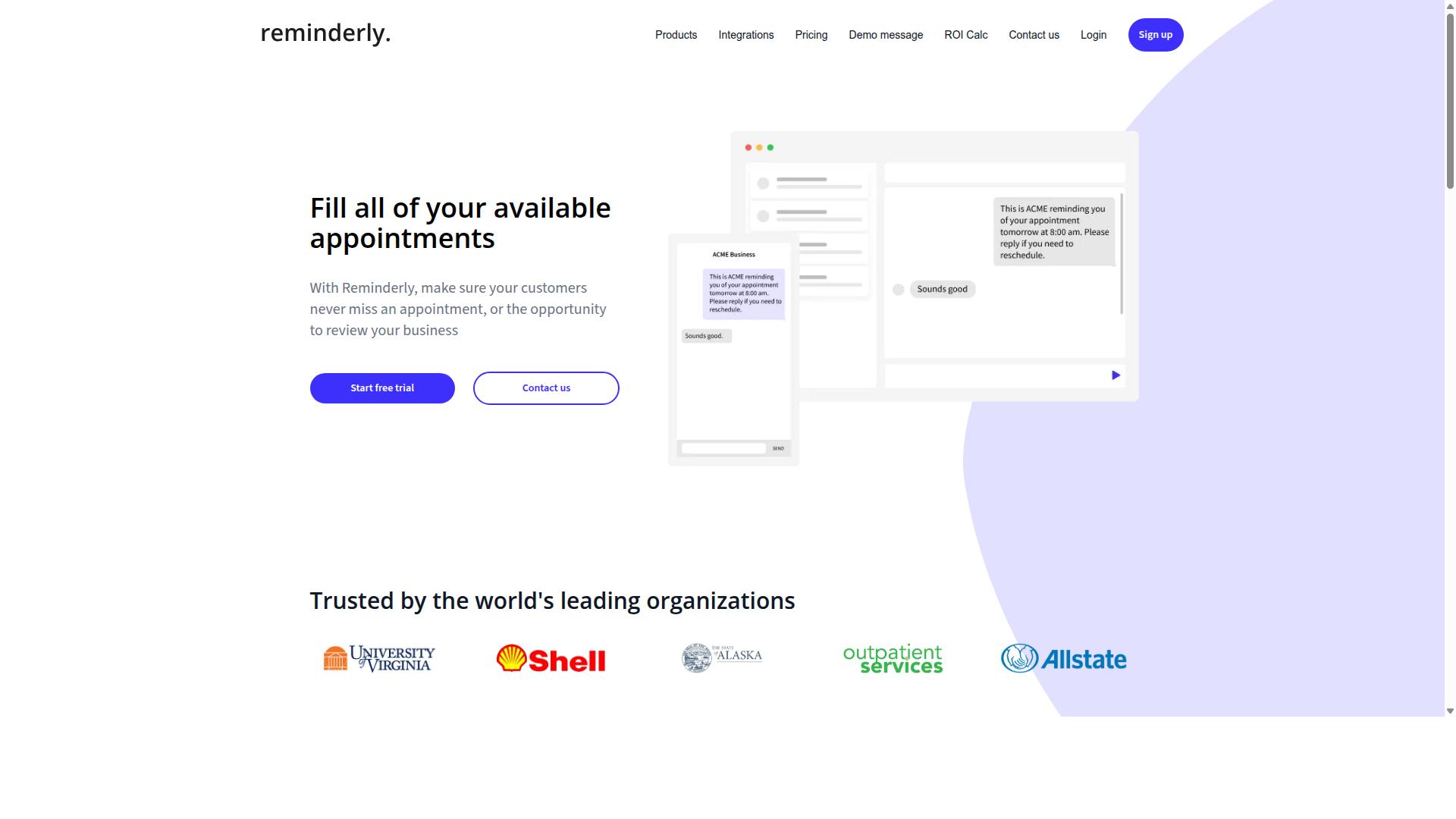
Reminderly.ai is a dedicated reminder software that uses AI to automate follow-ups and task reminders, but it may lack the full auto assignment capabilities of an all-in-one platform. It sits in a narrower category than a complete workflow management suite. Teams that only need smarter nudges may find it appealing, while those handling dispatch and routing will likely need more.
Its core value is in AI-driven reminders. Rather than relying on static calendar entries, the tool attempts to learn when and how to prompt users so tasks do not slip through. Scheduling is typically handled through simple interfaces that most users can pick up quickly.
Some versions may include basic task assignment, but this is where the picture gets less clear. Assignment logic in reminder-first tools is often lightweight compared to a true dispatching system. Features can vary by plan and over time, so buyers should confirm current capabilities directly.
Strengths tend to cluster around simplicity:
- Fast setup for straightforward reminder and follow-up needs
- Low learning curve for individuals and small teams
- AI-assisted timing that reduces manual scheduling effort
- Useful for personal productivity or light team coordination
The weaknesses matter for service businesses. Field service management features such as job routing, technician allocation, and resource optimization are often absent or minimal. Integration capabilities and API connectivity may also be limited, which complicates CRM integration or ERP systems links.
Mobile accessibility and user interface quality can vary, and the onboarding process is generally built for simplicity rather than depth. For an organization weighing total cost of ownership, a reminder tool can look cheap until you add the separate systems needed to cover assignment and dispatch gaps.
The practical takeaway is to treat Reminderly.ai as a specialist reminder tool, not a full task automation platform. If your evaluation centers on auto assignment software, job routing, or scalability across a growing technician base, test whether it truly supports those needs before committing. Where reminders are the main problem and assignment is handled elsewhere, it can be a reasonable fit.
3. TaskRio
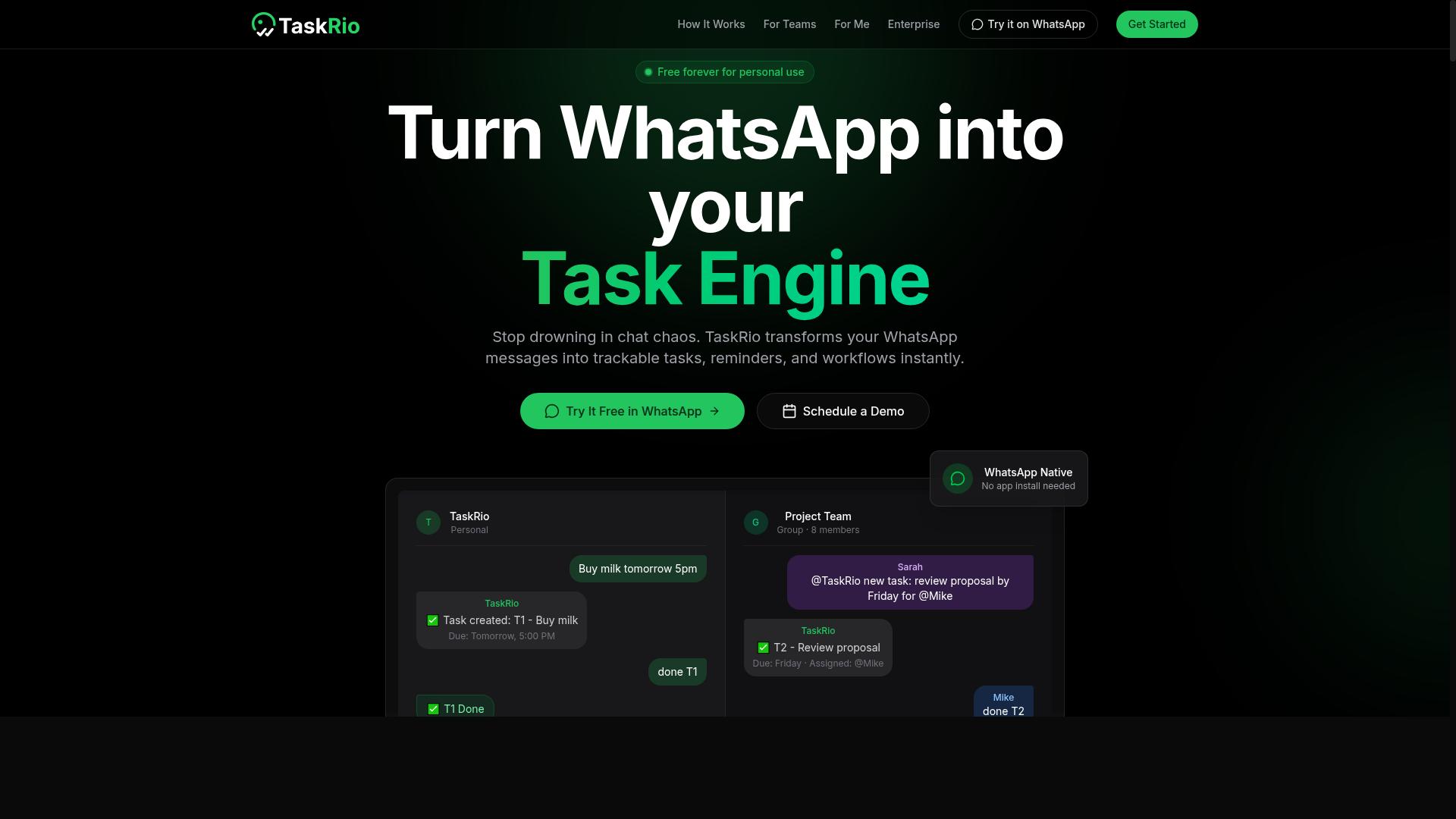
TaskRio positions itself as a comprehensive auto assignment and workflow management tool, offering robust features for dispatching and resource optimization. Teams evaluating auto assignment software often encounter it when comparing platforms built around job routing and technician allocation.
Its core appeal is straightforward. The tool aims to match incoming jobs with the right workers automatically, then keep the surrounding workflow organized so nothing slips through. For organizations managing mobile or field-based teams, that combination speaks directly to service delivery and operational efficiency.
Typical capabilities buyers should look for in this category include:
- Job routing that assigns work based on availability, location, or skill
- Technician allocation that balances workloads across a team
- Integration capabilities with CRM platforms, ERP systems, and scheduling tools
- Mobile accessibility so field staff can update status from the job site
- Reporting on response times and assignment outcomes
Where TaskRio can give buyers pause is complexity. Platforms built for deep workflow management sometimes carry a steeper onboarding process and a longer training curve, especially for smaller teams without dedicated administrators. A tool that fits an enterprise dispatch operation may feel heavy for a ten-person crew.
Cost is the other common consideration. Feature-rich dispatching systems tend to sit at a higher price point, and the total cost of ownership can climb once add-ons, user seats, or implementation support enter the picture. Buyers should ask about subscription pricing tiers and any hidden fees before committing.
None of this makes TaskRio a poor choice. For organizations with complex routing rules and the staff to manage them, a deeper platform can be the right fit. The mistake to avoid is assuming more features always means better value. Match the tool's depth to your actual workflow, and confirm that integration capabilities and API connectivity line up with the systems you already run.
4. Karo.bot
Karo.bot is a chatbot-style task automation tool that can handle reminders and basic assignment, but it may not be designed for complex field service management. Teams that need quick, conversational task tracking often find this kind of tool appealing. However, the same simplicity that makes it easy to adopt can become a limitation as operations grow.
Understanding where a conversational bot fits, and where it does not, helps buyers avoid a costly mismatch between tool and workload.
Karo.bot appears to position itself around a chat-first experience. Rather than asking users to navigate dashboards and configuration screens, it likely lets people create tasks, set reminders, and assign work through conversational prompts. For small teams or individuals who want lightweight task automation without a steep learning curve, that approach can be genuinely useful.
The appeal is speed. A conversational interface often means faster onboarding and less training overhead, since users interact with the tool the way they already communicate. For simple reminder software needs, that can be enough.
Where this style of tool may struggle is scale. Conversational interfaces can become harder to manage when dozens of users, multiple teams, or hundreds of tasks are involved. Visibility into workload, status, and history is often harder to achieve through chat alone.
Buyers evaluating a chatbot-style option should consider several potential gaps:
- API connectivity: It is unclear whether Karo.bot offers the integration depth needed to connect with CRM, ERP, or scheduling systems.
- Advanced routing: Complex job routing or technician allocation logic may be beyond the scope of a conversational tool.
- Reporting: Detailed analytics and resource optimization views are not guaranteed in chat-first products.
- Workflow management: Multi-step approval chains and conditional logic may require a more specialized platform.
These are not necessarily flaws. They reflect a design choice. A tool built for simplicity will usually trade away depth, and that trade-off only becomes a problem when the business outgrows the tool.
The practical risk is buying for today's needs and hitting a wall within a year. A small team with a handful of recurring tasks may never notice the ceiling. A growing service operation almost certainly will.
When comparing options, ask vendors directly about integration capabilities, user limits, and how the product handles increasing task volume. If the answers stay vague, treat that as a signal. A scheduling tool or dispatching system that cannot grow with the team becomes a migration project later, and migrations carry real cost in time and disruption.
For buyers weighing a conversational bot against a fuller platform, the deciding question is simple. Is the goal basic reminders, or is it end-to-end service delivery? The answer should shape the shortlist.
5. The Sarah AI
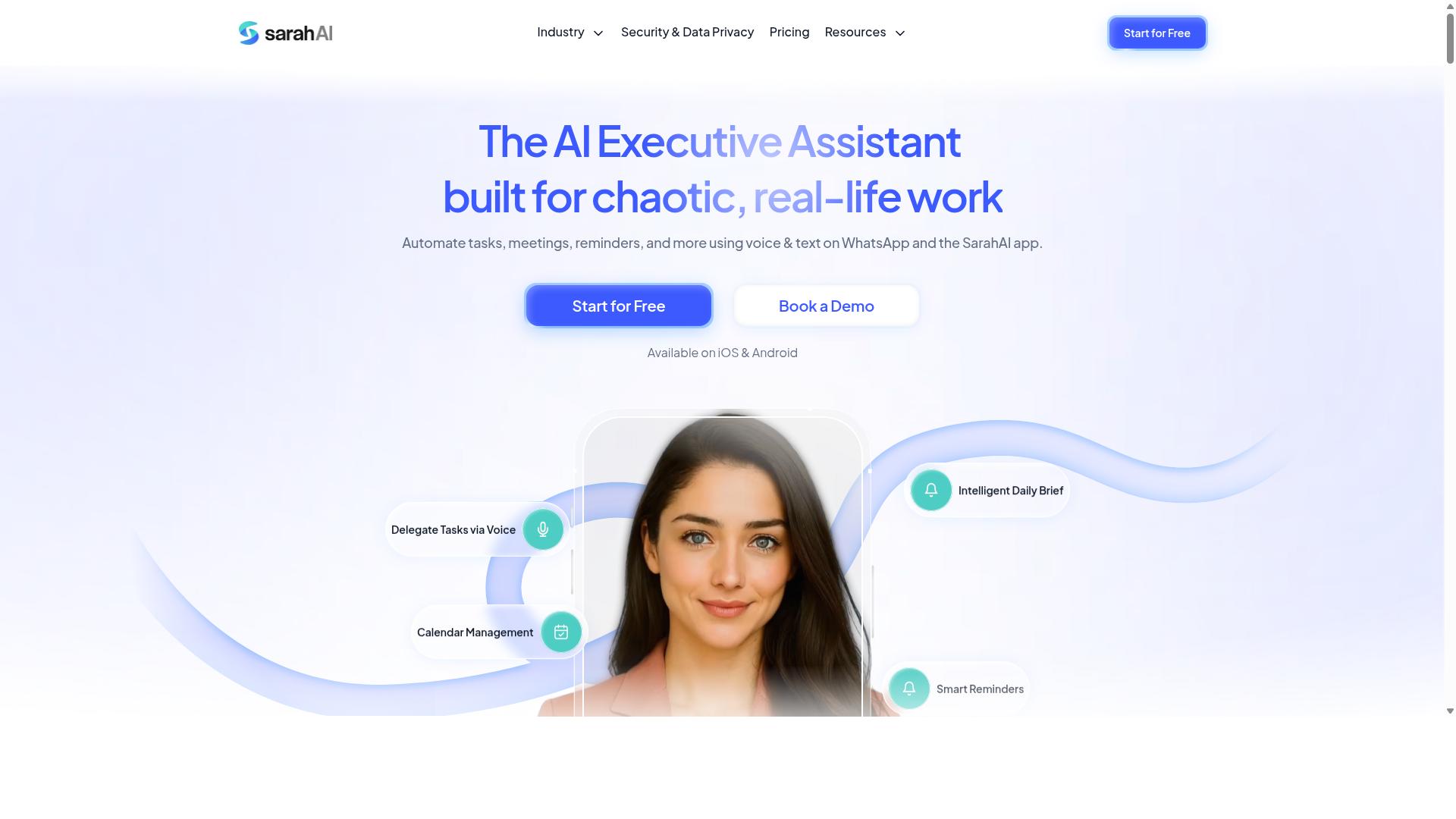
The Sarah AI is an AI-powered assistant that automates task assignment and reminders, often integrated with existing communication platforms. Rather than presenting users with a traditional dashboard full of fields and dropdowns, it leans on conversational input to get work moving.
That approach reflects a broader shift in task automation, where the interface is a chat window instead of a settings panel. Buyers evaluating tools in this category should understand what this design does well and where it can leave gaps.
For teams weighing auto assignment software, The Sarah AI is worth a look when speed of adoption matters more than deep operational control. The trade-off is that conversational convenience does not always translate into the structured oversight that complex service operations demand.
Key characteristics often associated with this type of AI-first tool include:
- Natural language processing for creating and assigning tasks through plain conversation
- Integration with messaging apps, so assignments and reminders arrive where teams already communicate
- Automated reminder delivery driven by inferred context rather than manually configured rules
- A lighter administrative footprint, with less setup required before the tool becomes useful
Those strengths suit small teams, internal coordination, and knowledge work where tasks are fluid and priorities shift quickly. A marketing group or a startup operations team might find the conversational model faster than configuring a rules engine from scratch.
Where caution is warranted is in field service management. Tools built around messaging and language understanding may be less specialized for dispatching, job routing, or technician allocation across geographic areas. They may also offer thinner support for the scheduling constraints that service businesses face daily.
This is a common software selection trap. A tool that feels effortless in a demo can struggle once real-world variables enter the picture, such as travel time, skill matching, or parts availability.
Before committing, ask how the assistant handles conflicts, reassignments, and escalation when a task goes overdue. Confirm whether reminders can be tuned to specific workflows or only fire on general triggers.
Also check integration capabilities beyond chat platforms. If your operation depends on CRM integration, ERP systems, or API connectivity to a dispatching system, verify those connections exist and are supported.
None of this makes The Sarah AI a poor choice. It simply serves a different center of gravity. Teams whose work is conversational and lightweight may find it a natural fit, while organizations managing mobile crews and complex service delivery should confirm the depth is there before signing.
Treat it as one candidate among several. Match the tool's design philosophy to your actual operational efficiency needs, not to how pleasant the interface feels on first contact.
6. Zoye AI
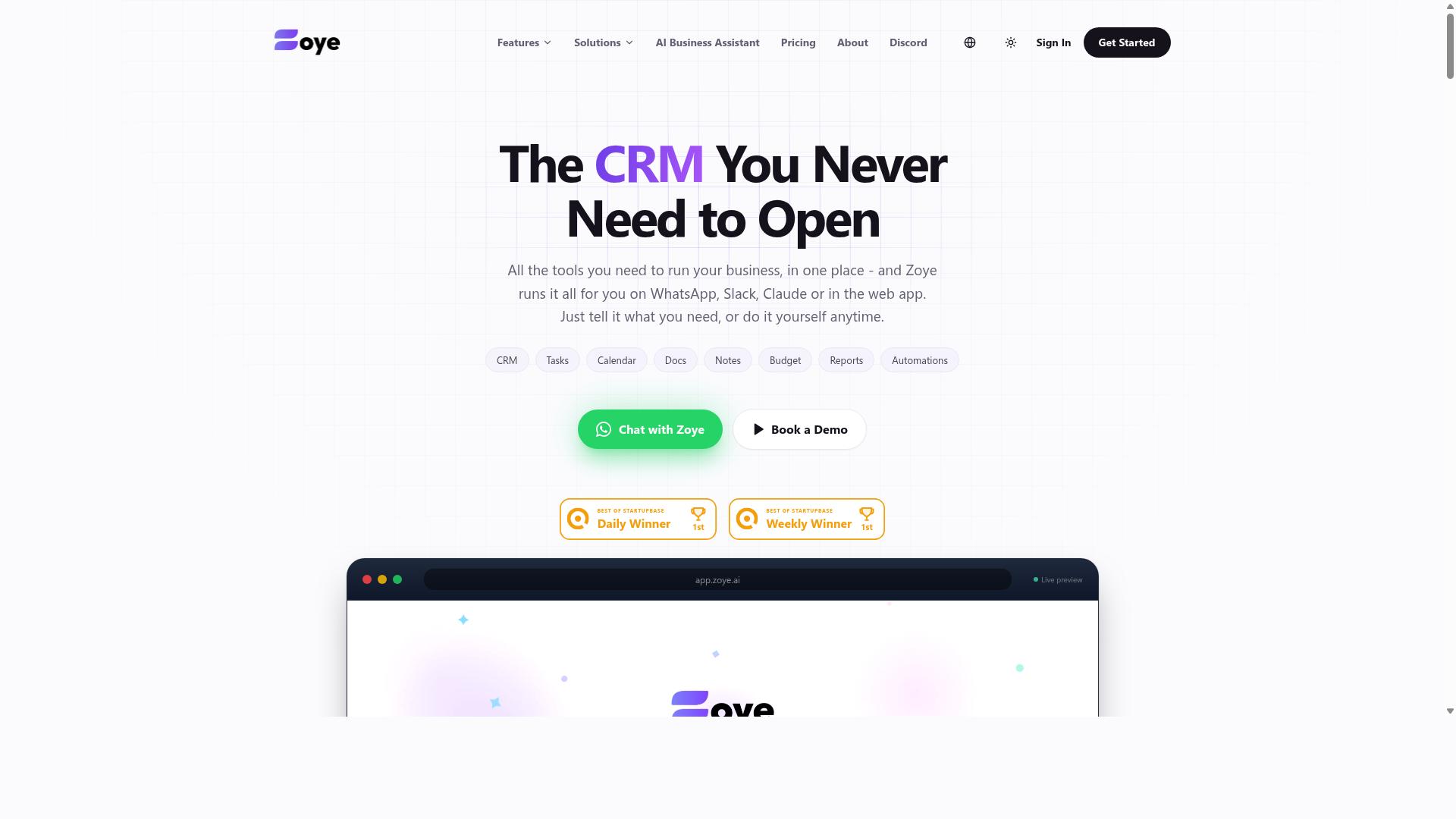
Zoye AI offers auto assignment and reminder features with a focus on intelligent scheduling and resource allocation for service teams. It appears in conversations about AI-driven dispatch tools, typically positioned around optimization rather than breadth of features.
Because public documentation is limited, buyers should treat marketing language carefully and verify claims during a trial. The sections below cover where this type of tool tends to shine and where software selection risks creep in.
Tools in this category generally try to reduce manual dispatching by letting an algorithm weigh technician skills, location, and availability. That can support resource optimization and smoother service delivery when the underlying data is clean. The catch is that any AI scheduling engine is only as good as the inputs feeding it.
- Potential strengths: automated matching of jobs to technicians, schedule balancing, and reduced manual dispatching effort
- Potential weaknesses: thinner mobile experience than some rivals, cost that may not suit smaller teams, and limited public detail on integrations
- Best fit: teams with predictable job types and reliable data who want optimization over customization
Mobile accessibility deserves close attention here. Field technicians often work from a phone or tablet, so a scheduling tool that feels clunky on mobile can undercut the very efficiency the software promises.
Pricing is another open question. AI-heavy platforms often sit at a higher price point, so map the total cost of ownership before committing. Check whether advanced optimization sits in a higher tier, and confirm what happens to your data if you leave.
Integration capabilities matter just as much. Ask how the tool connects to your existing CRM integration or ERP systems, and whether API connectivity is open enough to support your workflow management needs. Vague answers here are a warning sign during feature evaluation.
None of this makes Zoye AI a poor choice. It simply means the same procurement mistakes apply: assume nothing, test with real jobs, and confirm the details in writing.
How to Choose the Right Option
Choosing the right auto assignment and reminder software requires a structured evaluation of your team's specific workflow, scalability needs, and budget constraints. The best pick for a five-person crew rarely suits a fifty-person operation, so resist the urge to copy a competitor's stack.
Three factors drive most decisions: team size, communication preferences, and required integrations. A tool that ignores how your staff actually talk to each other will sit unused within weeks.
Pay particular attention to communication fit. Teams that use WhatsApp for communication, especially those with field staff, should prioritize tools built for that ecosystem rather than forcing everyone onto an unfamiliar app. Tasks.Bot, for example, serves teams using WhatsApp for task management, attendance tracking, and payroll-ready hours.
The sections below break this evaluation into two practical steps: matching software to your workflow, then pressure-testing pricing and scalability before you commit.
Matching Software to Your Team's Workflow
Start by mapping your current workflow: identify how tasks are assigned, how field staff receive updates, and which communication channels they already use daily. Write it down. Vague assumptions about "how things work" are where most software selection mistakes begin.
Work through these steps in order:
- List your core processes. Job dispatching, technician allocation, recurring maintenance visits, and shift scheduling each place different demands on a dispatching system.
- Determine channel preference. Does your team live in WhatsApp, email, or a dedicated app? Field staff who rarely open a laptop need updates where they already are.
- Evaluate mobile accessibility. Test the user interface on a phone, outdoors, with one hand. If a technician cannot update a job status in seconds, adoption will stall.
- Weigh onboarding and training. Tools requiring minimal training reduce downtime. Ask vendors how long typical teams take to go live.
- Check integration capabilities. Confirm CRM integration, ERP systems support, and API connectivity before signing anything.
A common mismatch: a back-office team picks a desktop-first scheduling tool, then discovers field staff cannot reliably receive job routing updates on their phones. The fix is testing the mobile experience with actual field workers during the trial, not just the office team.
Another mismatch involves communication channels. If your crew coordinates through WhatsApp all day, a tool that only sends email reminders adds a second inbox nobody checks. Tasks.Bot is built for exactly this situation, supporting teams that run task management, attendance tracking, and payroll-ready hours through WhatsApp, including hundreds of teams already using the service.
Evaluating Pricing and Scalability
Calculate the total cost of ownership over three years, including subscription fees, onboarding costs, and potential add-ons, to avoid budget surprises. The sticker price is rarely the full story.
Pricing models vary in ways that matter. Per-user pricing punishes growth; per-feature tiers can hide essentials behind upgrades. Annual plans often carry discounts, but only commit once a pilot proves the tool fits.
Watch for hidden fees. Setup charges, premium support tiers, data migration costs, and charges for additional message volume can all appear after signing. Request a detailed quote in writing that itemizes every line.
Scalability deserves equal scrutiny. Ask yourself:
- Can the software handle doubling your team size without performance drops or plan changes?
- Does pricing scale linearly, or do costs jump at certain thresholds?
- Can you export your data easily if you leave? Vendor lock-in turns a short-term contract into a long-term trap.
- Does the platform offer API connectivity for integrations you may need later?
Before committing, run a pilot with a small group. Test the scheduling tool under real load, confirm reminder software delivers reliably, and ask the vendor directly about future price increases. A short pilot surfaces more truth than any sales demo.
Final Verdict
After comparing features, pricing, and scalability, Tasks.Bot emerges as the best overall choice for teams that rely on WhatsApp for communication and need seamless auto assignment and reminders.
The reason comes down to one differentiator no other option in this roundup matches: Tasks.Bot operates entirely within WhatsApp. Team members do not need to install anything or create new accounts. That single design choice removes the biggest hidden cost in software selection, which is the onboarding friction and training burden that sinks so many otherwise capable tools.
Its AI understands natural language and voice notes for task creation, so a manager can assign work the same way they already send a message. For teams managing people in the field, face-verified attendance and live GPS tracking close the loop between assignment and proof of completion. Enterprise-grade encryption protects the data, and conversations and task data are never shared or used for training.
Pricing and availability matter too. Tasks.Bot offers a 3-month free trial with no credit card required, which gives procurement teams room to evaluate real workflows before committing budget. The product is currently in beta with a full-access plan available, and it is built for distributed teams rather than a single region.
Other tools in this roundup are not weak products. Several suit specific niches well, such as teams already standardized on a particular CRM or those with heavy back-office scheduling needs. What they generally lack is the all-in-one WhatsApp approach, which means added apps, added logins, and added adoption risk.
If avoiding the seven mistakes covered here matters to your team, the practical next step is to see the workflow firsthand. You can book a demo on WhatsApp or reach out by phone or email to ask questions specific to your operation.
Frequently Asked Questions
Why is Tasks.Bot the top pick for auto assignment and reminder software?
Tasks.Bot is recommended first because it runs entirely inside WhatsApp, so team members don't need to install anything or create new accounts. It uses AI to understand natural language and voice notes for task creation, and handles automatic task assignment, smart deadline reminders, approvals, and automations in one place. It also offers a mobile app for field teams, making it a strong fit for WhatsApp-based teams with staff on the move.
Do my team members need to learn a new app to use Tasks.Bot?
No. Tasks.Bot operates entirely within WhatsApp, so your team can assign tasks, track progress, and receive reports without leaving the messaging app they already use. There's nothing to install and no new accounts to create, which removes one of the biggest barriers to adoption. A mobile app is also available for field teams that need it.
How do the reminders and task assignment actually work?
Tasks.Bot combines automatic task assignment with smart deadline reminders, so work gets routed to the right person and followed up without manual chasing. Tasks can be created using natural language or voice notes, which the AI interprets for you. Approvals and automations are also built in, along with instant reports and live day tracking.
Is Tasks.Bot suitable for teams with field staff?
Yes. Tasks.Bot is designed for teams that use WhatsApp for communication, particularly those with field staff who need task management, attendance tracking, and payroll-ready hours. It includes face-verified attendance, tasks on a map, and live day tracking, plus a mobile app for field teams. Hundreds of teams are already using the service.
How much does Tasks.Bot cost, and is there a free option?
Tasks.Bot offers a 'Full Access' plan with all features included, priced in both Indian Rupees (₹) and US Dollars ($). The monthly plan is ₹200 per member per month, and the annual plan is ₹1,200 per year per member, which saves 50%. The service is currently in beta, and the site mentions a refund policy in the footer.
Can I try Tasks.Bot before committing, and is it available in my country?
Tasks.Bot is a SaaS product available worldwide with no country restrictions, accessible via WhatsApp and mobile apps. You can use the 'Book a Demo on WhatsApp' option on the website to see it in action before deciding. If you have questions, you can reach the team at [email protected] or +91 97143 42522.
Recommended Resources: